
Receipt tracker & warranty reminders
Never miss a warranty or return deadline again.
Warranty Keeper helps you save receipts, track serial numbers, and get reminders before coverage expires. Everything stays on your device in the MVP.
Start free
Up to 8 items
OCR prefill
Camera / Photos
Reminders
30 / 7 / 1 days
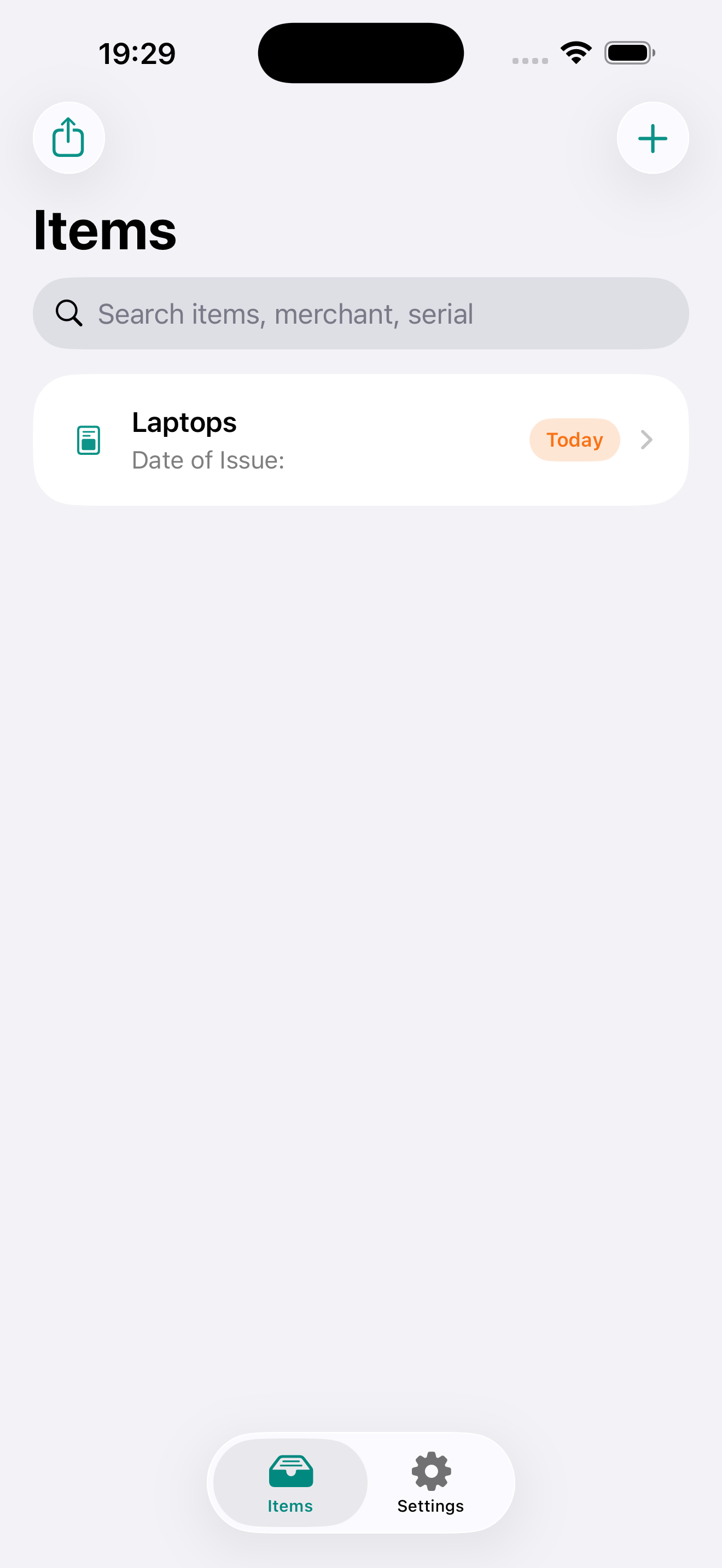
Built for real-life purchases
Save what matters for support, insurance, returns, and warranty claims.
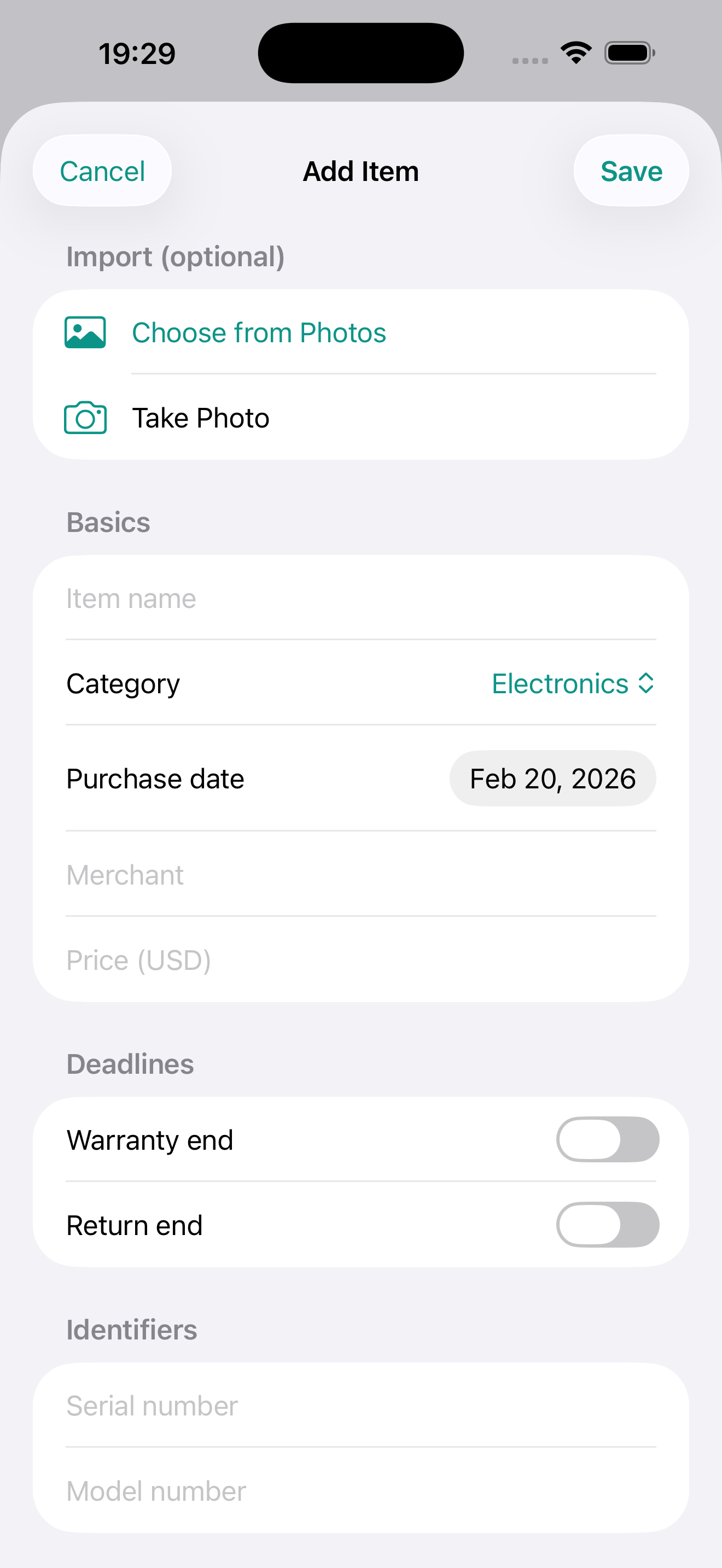
Capture receipts in seconds
Import from camera or photo library. OCR helps prefill fields.
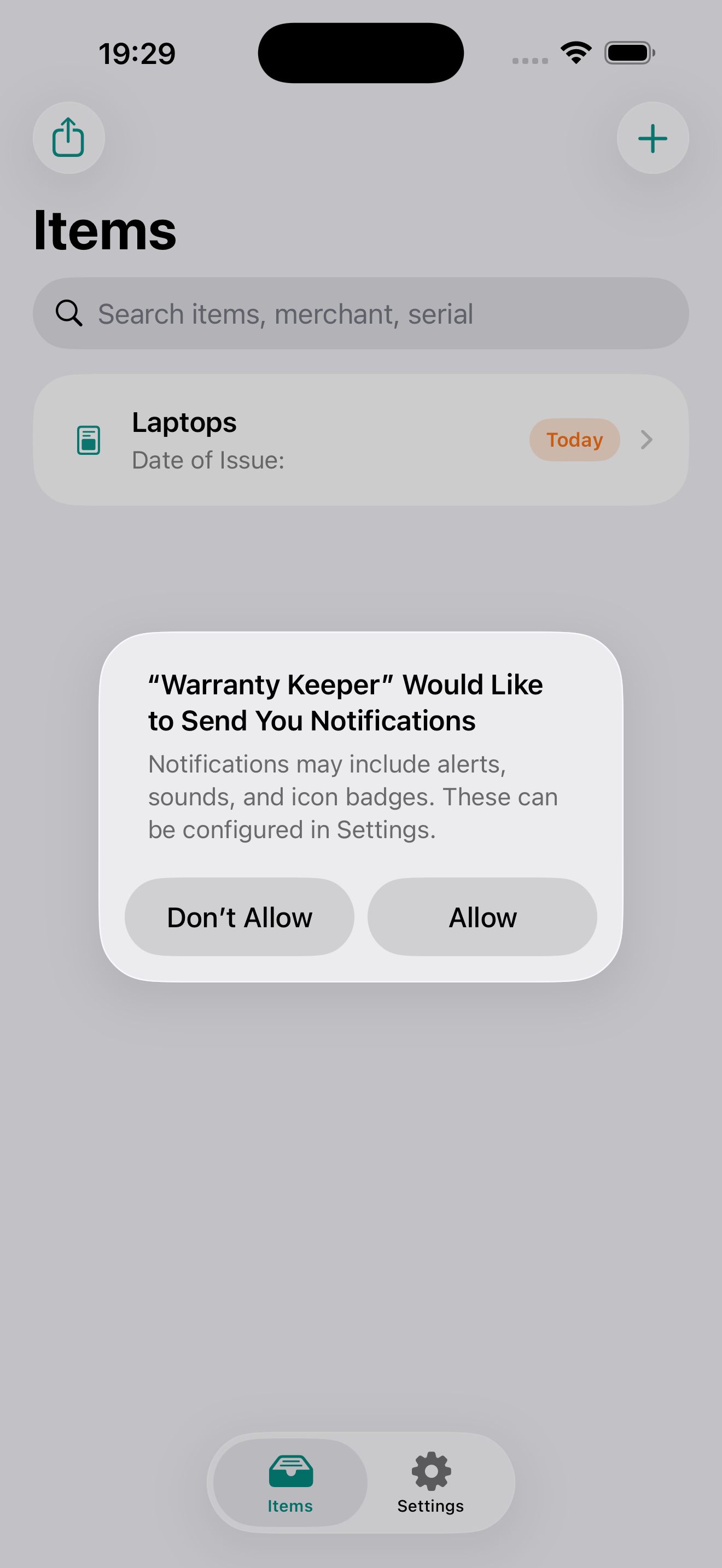
Get reminders before deadlines
Notifications at 30, 7, and 1 days before warranty/return ends.
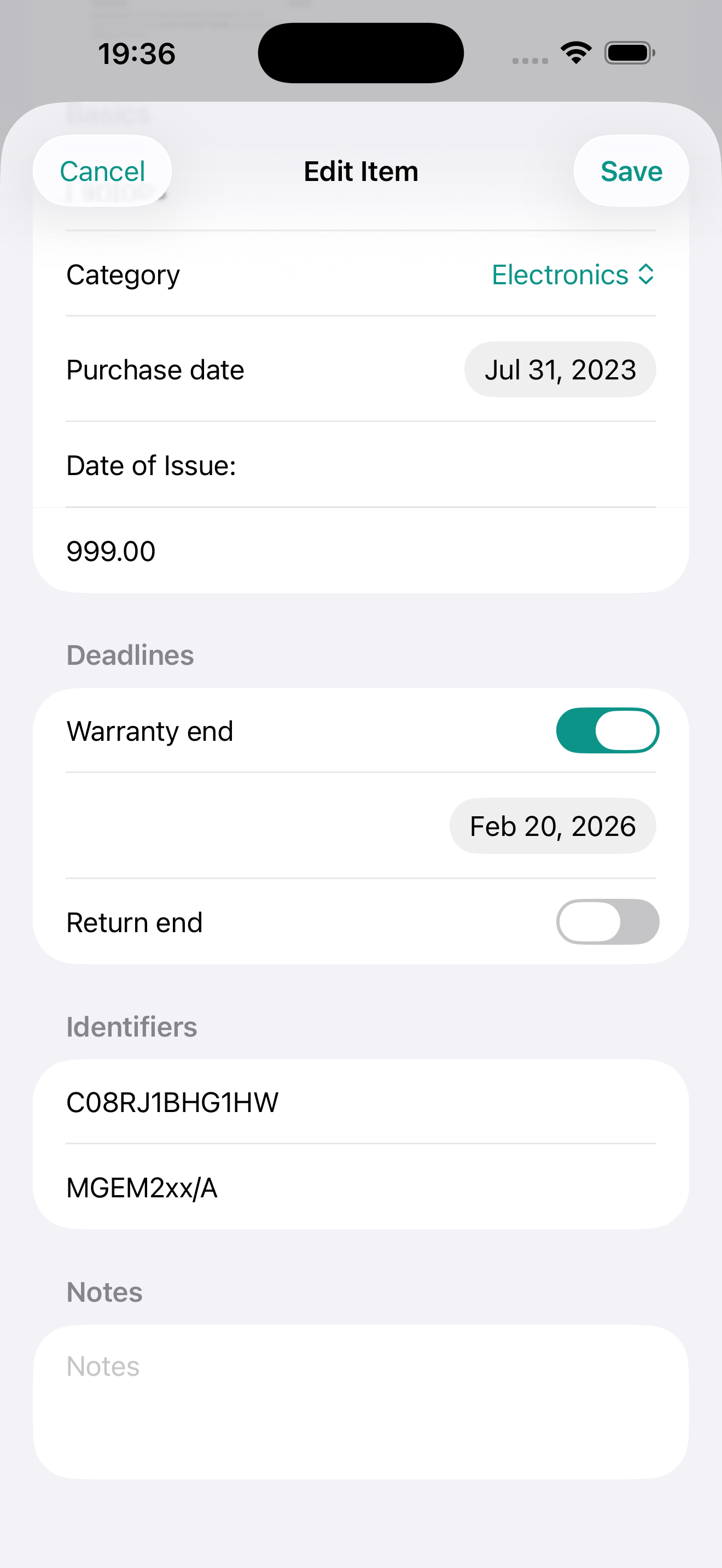
Find serial numbers instantly
Keep model and serial info ready for service calls.
How it works
A fast workflow designed for busy moments (checkout, unboxing, returns).
Add an item
Use Camera/Photos to capture a receipt, or type details manually.
Set deadlines
Track warranty end and return end dates per product.
Get reminders
Receive notifications at 30/7/1 days before important dates.
Free to start. Pro when you need it.
Warranty Keeper is usable on day one. Upgrade to Pro for power features.
Unlock more
$0.99/month $9.99/year
- Unlimited items
- CSV export (share/backup)
- Future advanced features
Pricing, trial availability, and billing are shown in-app via Apple.
FAQ
Do you store my data on a server?
In the MVP, data is stored on-device. If we add optional cloud sync later, this site and the Privacy Policy will be updated.
How do reminders work?
Turn on notifications and we’ll remind you at 30, 7, and 1 days before warranty/return deadlines.
Can I export my items?
Yes, Pro users can export items as CSV and share/save the file.
Where can I find the Privacy Policy and Terms?
See Privacy Policy and Terms of Use.